How to find a cannabis dispensary near you
A step-by-step guide to finding a licensed dispensary, browsing its menu, comparing prices, and planning your visit.
Updated June 2, 2026 4 min read
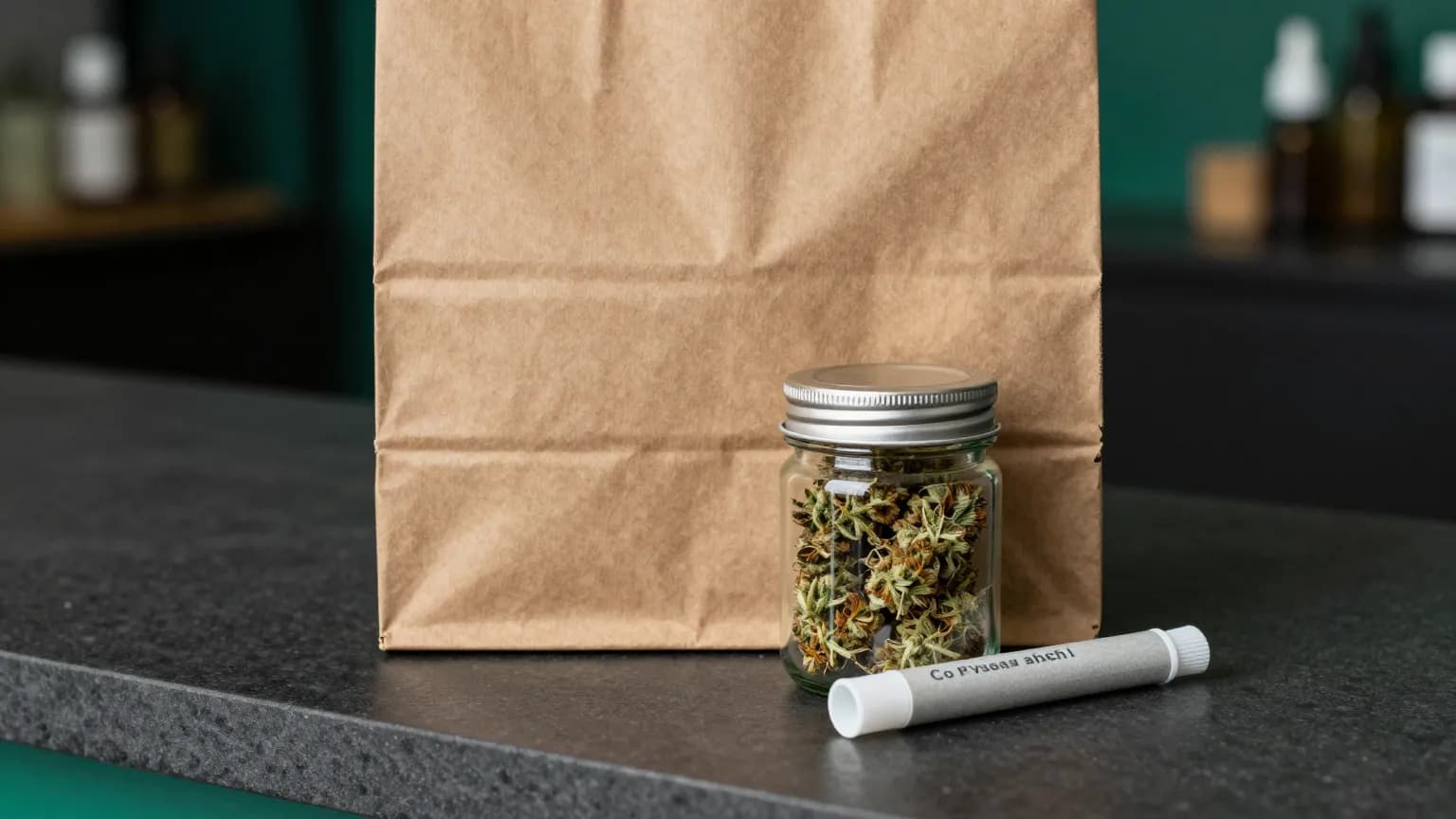
Finding the right dispensary is easy once you know where to look. On Weedtip you can search licensed dispensaries near you, compare menus and prices, read reviews, and plan a visit. Here is how it works from start to finish.
1. Find a licensed dispensary near you
Start on the Dispensaries page and search by name or use your location to see nearby shops. You can filter by open-now and product category, and every listing shows hours, ratings, and the services each shop offers so you can pick the right one.
2. Browse the menu and compare
Open a dispensary to see its full menu grouped by category: flower, vapes, edibles, concentrates, and more. Each product lists price, potency (THC/CBD), brand, and reviews, so you can compare your options before you go.
3. Check prices and plan your visit
Prices come straight from the dispensary’s menu, so you know roughly what to expect. When you’re ready, head to the shop to buy in person. Accepted payment methods vary by dispensary.
4. Bring a valid 21+ ID
You must be 21 or older (or a qualifying medical patient where permitted) to buy cannabis. Bring a valid government-issued ID. Dispensaries are required to verify your age.